



RobyCasino App
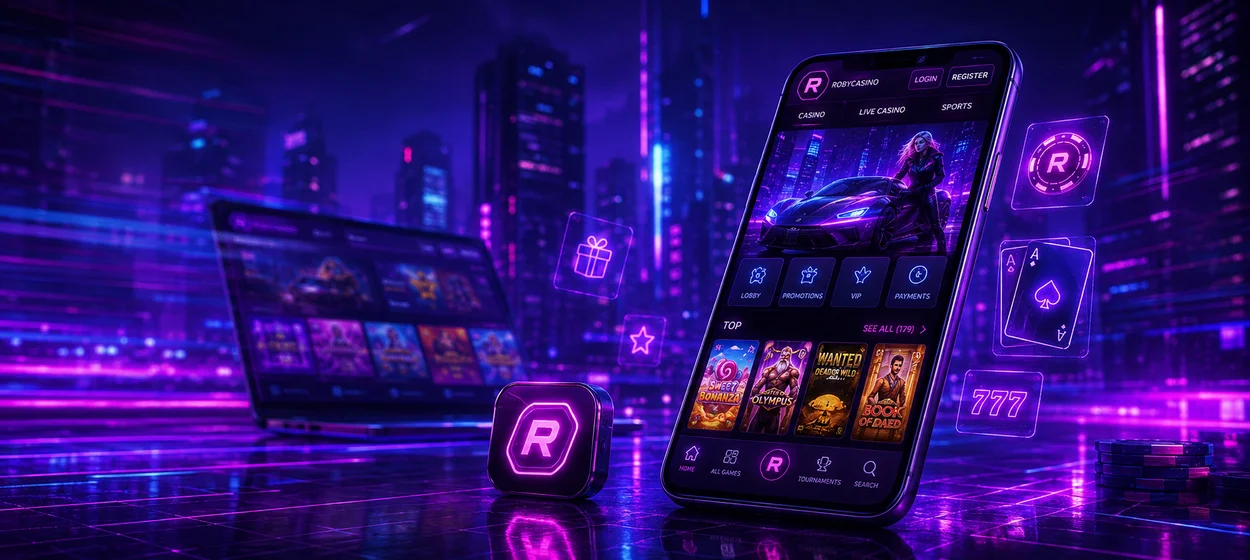
The mobile version is built for players who want faster access without depending on a desktop computer. With the RobyCasino app, you can open the casino and sportsbook from a saved shortcut on your smartphone or tablet. The platform maintains the familiar account experience across devices, and the responsive interface makes things easier to use on smaller screens in everyday use.



Which Is Better: RobyCasino Mobile Website or Home Screen Shortcut?
Both options open our platform, but they differ in how quickly you get to it. The mobile website can be accessed through a browser, but there is also a shortcut on the Home screen that adds a direct RobyCasino icon to the device for faster return visits.
Desktop access still has advantages during longer sessions because a larger display gives more space for live tables and detailed sportsbook markets. The comparison below shows how standard browser access differs from using the Home screen shortcut.
| Common User Question | Mobile Website | Home Screen Shortcut |
| How do I open RobyCasino? | Launch a browser and use a bookmark, browser history or the saved website address. | Tap the Roby Casino icon directly from the device home screen. |
| Do I need an installation? | No software package is required. The platform runs in the browser. | Only a lightweight shortcut is added, rather than a full native casino application. |
| How are updates handled? | Current platform changes appear when the website is refreshed or reopened. | That shortcut points to the same web platform, so you don’t have to manually install new versions. |
| How much storage does it use? | The browser may keep temporary website data, but there is no full app installation. | The shortcut does not have a separate copy of the RobyCasino platform—less space on your storage. |
The shortcut is a more direct, app-like access to the platform, whereas the regular access through the browser is for when you want to drop in every now and then.
How Does the Roby Casino App Work on Android?
Android users can enjoy RobyCasino directly in their mobile browser without needing to download an APK or install a separate app via Google Play. The interface is screen-size responsive, so casino navigation and account controls are easy to use with touch input. Users can add RobyCasino to the home screen from the menu of the browser to get quicker access. The saved icon then opens the platform directly without searching for the website each time.

RobyCasino on iPhone and iPad
On iOS, Roby Casino works through Safari and adapts to the screen size of supported iPhones and iPads. Players can sign in on the website and use the same casino and sportsbook account as on other devices. No separate App Store installation is required.
To place the website on the Home Screen, open the site in Safari. Choose Add to Home Screen and tap Add.
The new icon provides direct access from the iOS menu and always opens the current web version of RobyCasino. An active internet connection is still required for casino play and sports betting.
How Can Gamers Use the RobyCasino App on Windows and macOS?
Desktop users can make an app-like setup with the RobyCasino app without having to install separate casino software. Supported browsers on Windows allow you to save the website as a web app or desktop shortcut and provide the option to pin it to the Start menu or taskbar. This means RobyCasino can open in its own window but still allows direct access to the casino and sportsbook.
macOS users can also create a similar quick access via Safari or another supported browser, including a Dock or desktop shortcut where available. The bigger screen provides you with more room for live casino tables and detailed betting markets, which can be useful during longer sessions. The desktop version is still web-based, so updates are through the site, not separate software packages.
What Affects Mobile Session Performance at RobyCasino?
Mobile performance is gauged by the speed with which games and sportsbook data load and refresh in real time. The quality of the connection and the resources on the device can affect the page response times and how smoothly interactive content runs during a session.
- Consistent Wi-Fi or mobile connection is especially important for live casino and in-play betting.
- Close apps and browser tabs you aren’t using to free up more resources for games with heavier graphics.
- A modern browser version will improve your support of modern web technologies and help to cut down on compatibility issues.
- Multiple downloads or other demanding processes can affect performance.
- When you join a live session and switch between Wi-Fi and mobile data, real-time content temporarily stops.
Whatever shortcut you use to open RobyCasino, you will need a stable connection and sufficient device resources for more demanding sessions such as live dealer games.
FAQ
Can I Access Virtual Sports on Mobile?
Virtual Sports are available through the sports section of the RobyCasino mobile platform. Players can open available virtual events and view their betting markets without switching to a desktop computer.
Can I Search for Specific Games on Roby Casino Mobile?
The mobile casino features search and filtering tools so visitors can find titles without having to scroll through the entire lobby. Provider filters also help you to narrow down the selection.
Does RobyCasino App Mobile Support Different Languages?
Players can change the interface language directly on the platform. This makes menus and account sections easier to use without needing a separate localized version of the app.


